Use casesAd Library research

Search the Meta Ad Library with your AI agent.

See what other brands run on Meta. Your agent saves the ads worth learning from to a swipe file, apart from your own.

7 days free with every feature. Cancel anytime.

Try asking
  • Search the Ad Library for night routine ads in the US.
  • Save the three best-looking finds to our swipe file.
  • Which formats do our swipes use that we haven't tried?
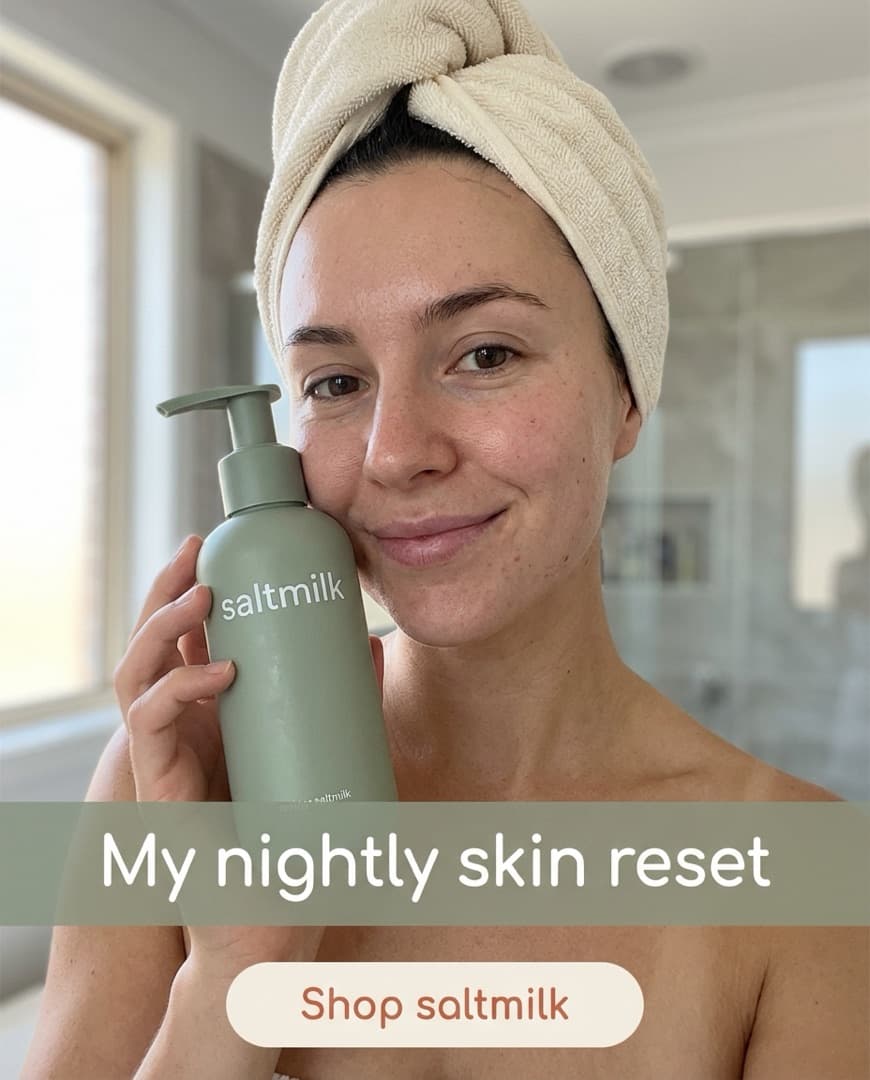
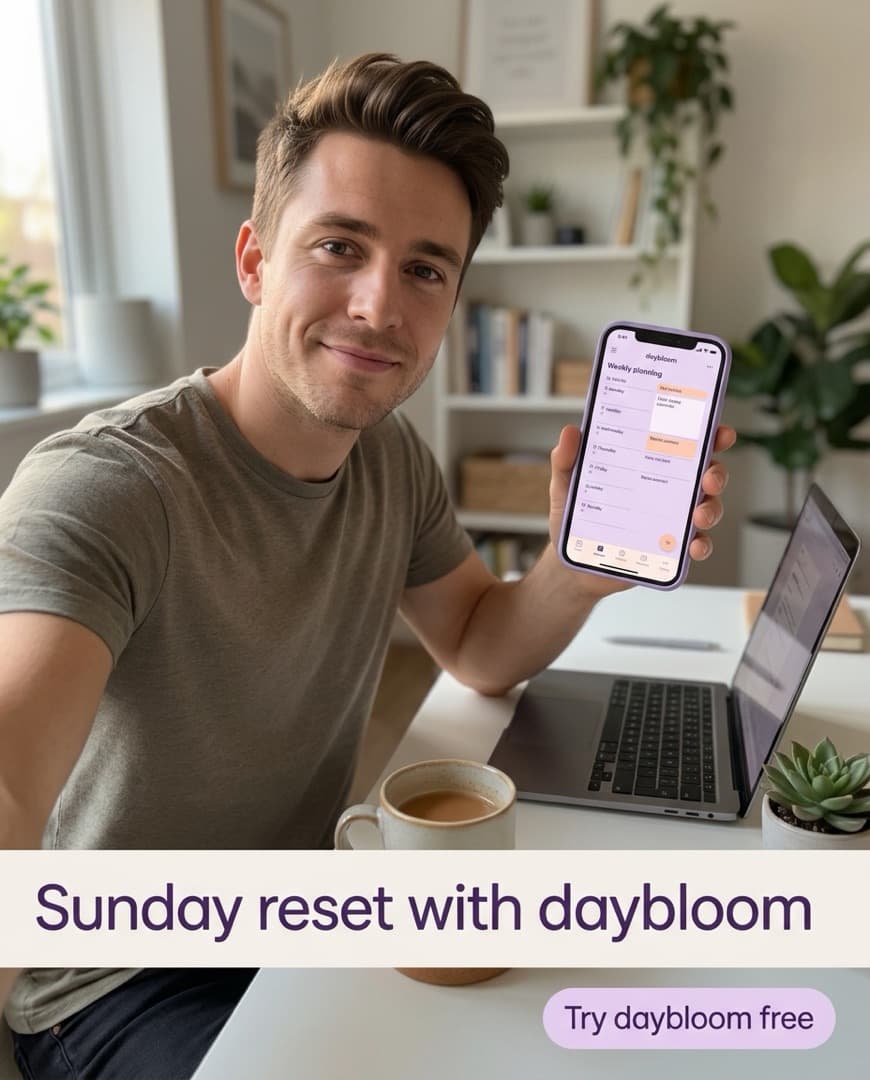
A search of the Meta Ad Library for reset routine, drawn as the Win & Scale Inspiration view. Three ads from fictional advertisers are listed with the date each became active: Saltmilk, Daybloom and a Saltmilk reel. Two are Saved, and the Swipe file shows a count of 2.

Why is Ad Library research slow?

The Ad Library is built for lookup, not for learning. What you find leaves as screenshots and tabs, and nothing builds on it.

  • “I scroll for an hour and save nothing.”

    Ads worth keeping end up in browser tabs, and the tabs close. There is no place where the finds pile up and stay searchable.

  • “The link went blank.”

    Media links from ad platforms are signed and expire within days. Win & Scale copies the file into your workspace when your agent saves an ad.

  • “Their ad is in our launch folder.”

    Reference ads and your own creatives end up mixed together, and someone launches the wrong one. A swipe in Win & Scale can never be launched.

Your agent searches the Ad Library, and saves what is worth keeping.

Search by keyword across every advertiser, or list every ad one advertiser is running. Each result comes back with its copy, call to action, landing page, media type and how long it has run. Saving one copies its media into your workspace, because the source links expire.

  • meta_search_ad_library takes a keyword, an advertiser’s Page name, a country and image or video, and pages through results with a cursor.
  • meta_save_swipe saves an Ad Library ad, a TikTok video, an Instagram post or any image or video link. Saving the same ad twice changes nothing.
  • meta_list_swipes searches the file, and meta_update_swipe corrects tags and notes.
  • How long an ad has run is a hint, not a result. The Ad Library shows no spend and no performance.
A search of the Meta Ad Library for reset routine. Two advertisers' ads are listed, Saltmilk and Daybloom, both fictional brands, one with a Save button and one already Saved to the swipe file.

Swipes stay apart from your own creatives, and feed your next brief.

A swipe is another brand’s ad. It never enters the launch picker and never carries spend, because it is not yours to run. Your agent reads it with the same Values as your own ads, then briefs your own version with the swipe as the reference.

  • meta_list_creatives reviews your creatives and swipes together, each with its Values, but only your own can be launched.
  • meta_list_formats shows the formats found across the swipe file and your Library.
  • The Inspiration tab shows Formats you haven’t tried, the formats your swipes use that none of your creatives do.
  • meta_save_brief writes the concept, copy and deliverables in your brand voice, with the swipe attached as its reference.
A brief for Saltmilk, a fictional skincare brand, with a swipe attached as its reference: a Daybloom selfie ad, Active since Oct 3. The concept reads, A Sunday skin reset, shot as a selfie at the bathroom sink. A Make one like this chip starts the brief, written with meta_save_brief. The swipe is reference only and cannot be launched.

What can you ask your AI agent about the Ad Library?

Ask the way you would ask a researcher who keeps a tidy file. Your agent searches, saves and tags before it answers.

  • SearchSearch the Ad Library for night routine ads in the US, video only.
  • One advertiserList every ad Saltmilk is running in the Ad Library.
  • SaveAnswered in the conversation: Save the three most interesting results to our swipe file and tag them by format.
  • FormatsWhich formats do our swipes use that none of our creatives do?
  • BriefBrief one ad in our brand voice from the best swipe, with the reference attached.
  • ReviewWhat are the common hooks in the swipes we saved this month?
Claude Code · winandscale connected

Save the three most interesting results to our swipe file and tag them by format.

  1. meta_search_ad_librarynight routine · US · video
  2. meta_save_swipe3 saved, media copiedSaved
  3. meta_update_swipetagged by format

Saved three ads to the swipe file and copied their media, so the links won’t expire. I tagged them by format. They are reference ads only, so none can be launched.

Questions, answered

Everything else is in the docs.

Can an AI agent search the Meta Ad Library?
Yes, with Win & Scale your AI agent searches the Meta Ad Library by keyword or by advertiser and gets back each ad’s copy, call to action, landing page, media type and how long it has run.
What can my agent save to the swipe file?
Your agent saves a Meta Ad Library ad, a TikTok video, an Instagram post or reel, or a link to an image or video. Win & Scale copies the media into your workspace.
Does the Ad Library show how well an ad performed?
No, the Meta Ad Library shows no spend and no results, so a swipe carries only how long the ad has run. Treat that as a hint, never as a verdict.
Can I launch a saved swipe as my own ad?
No, a swipe is another brand’s ad and Win & Scale never lets one into the launch picker. Your agent can brief your own version instead, with the swipe as the reference.
Where do saved ads live?
Saved ads live in the Inspiration tab of your workspace, apart from your Library of creatives. Their media is copied on save, because the platform links expire within days.
How much does Win & Scale cost?
Every plan starts with a 7-day free trial that includes every feature. After it, each ad account pays a flat monthly price set by its ad spend, starting at $49 a month for up to $10k of monthly spend.

Keep what you find in the Ad Library, and brief your own.

Start a 7-day free trial with your website. Every ad your agent launches stays paused until you approve it.